Compare the book, version against version.
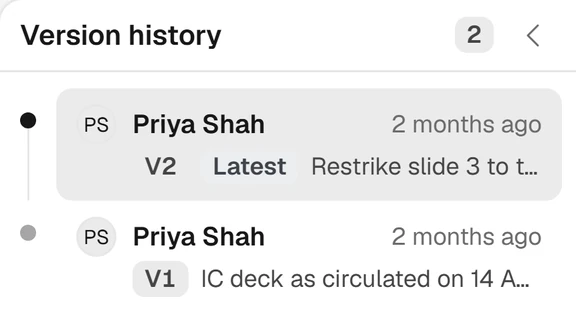
Each version of the CIM, the board deck and the management presentation is captured and compared with the last, so comments are checked against what actually changed.
Every version of the deck
Saved from PowerPoint, with its reason.
The add-in captures each version of the deck as it is saved, with its author and its reason, the same way it does for the model.

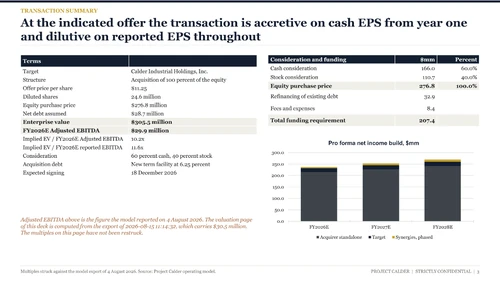
The CIM as it was sent
What changed between the draft you sent and the one that came back.
Compare any two decks or PDFs without setting up a deal. The changes are laid out side by side, so the comments on the last draft can be checked against what was actually done.
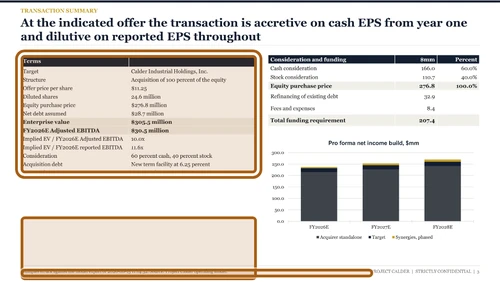
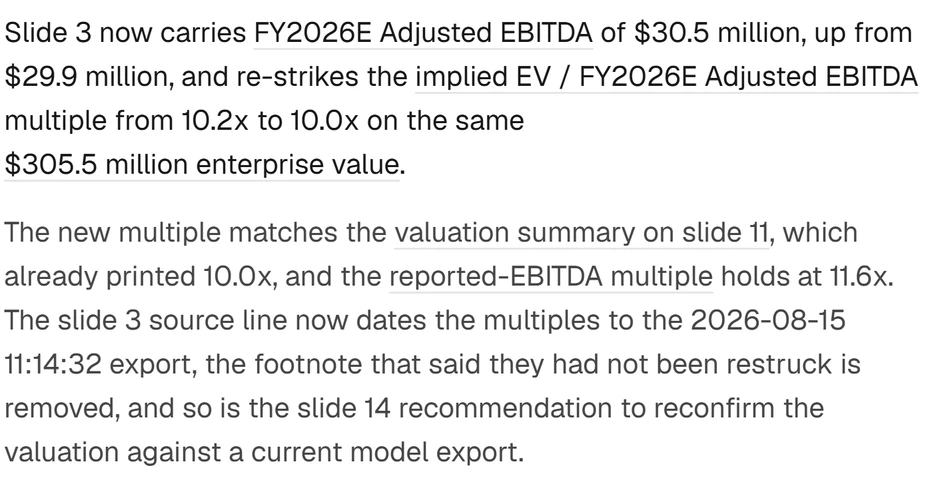
Every figure, with its page
Ask where a number came from and open it.
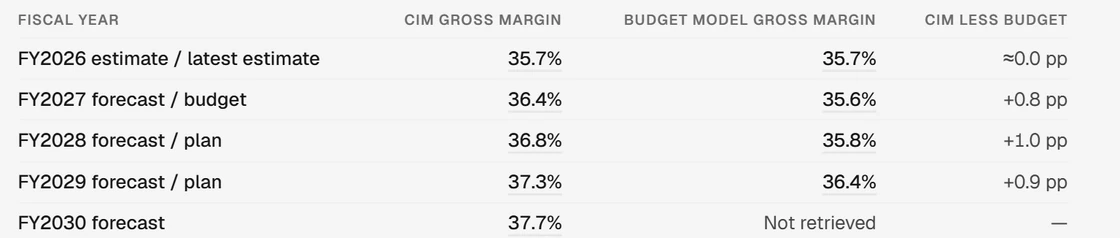
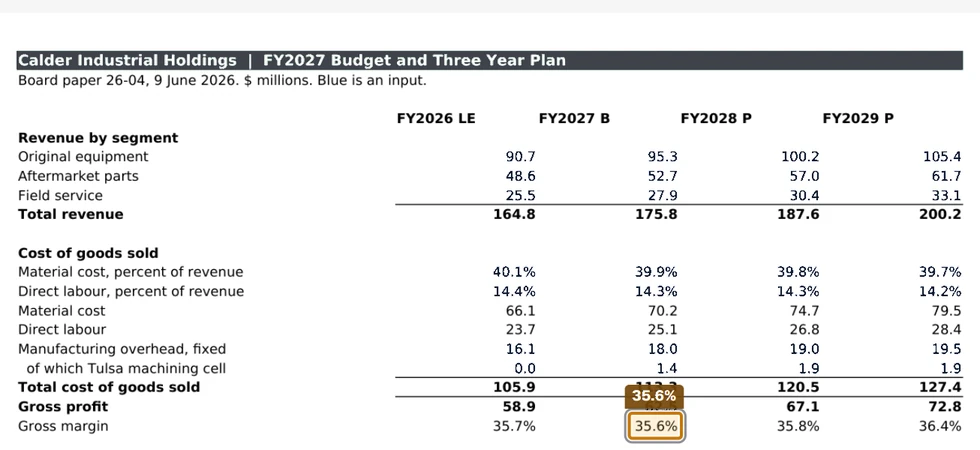
Decks and CIMs go into the data room like every other document. Each figure is read with its slide or page, so the Assistant can answer where a number came from and open it at the source.
See it on your own model.
A thirty-minute walkthrough on a model like yours, with the founding team.