Equity Research
Every reported figure, tied to the filing it came from.
The model is built from the company's filings and turned after every print. Provenance keeps each update, shows what changed and what it moved, and ties reported figures back to the filing pages you load.
The problem
The model changes every quarter. The note has to follow.
Estimates move after every print, and every figure the note quotes has to move with them.
An update touches revenue builds, margins, the share count and the valuation. The note, the summary table and the deck are rebuilt from that model on deadline, and a figure left behind is published under the analyst's name.

Where it fits
Three places it changes the work.
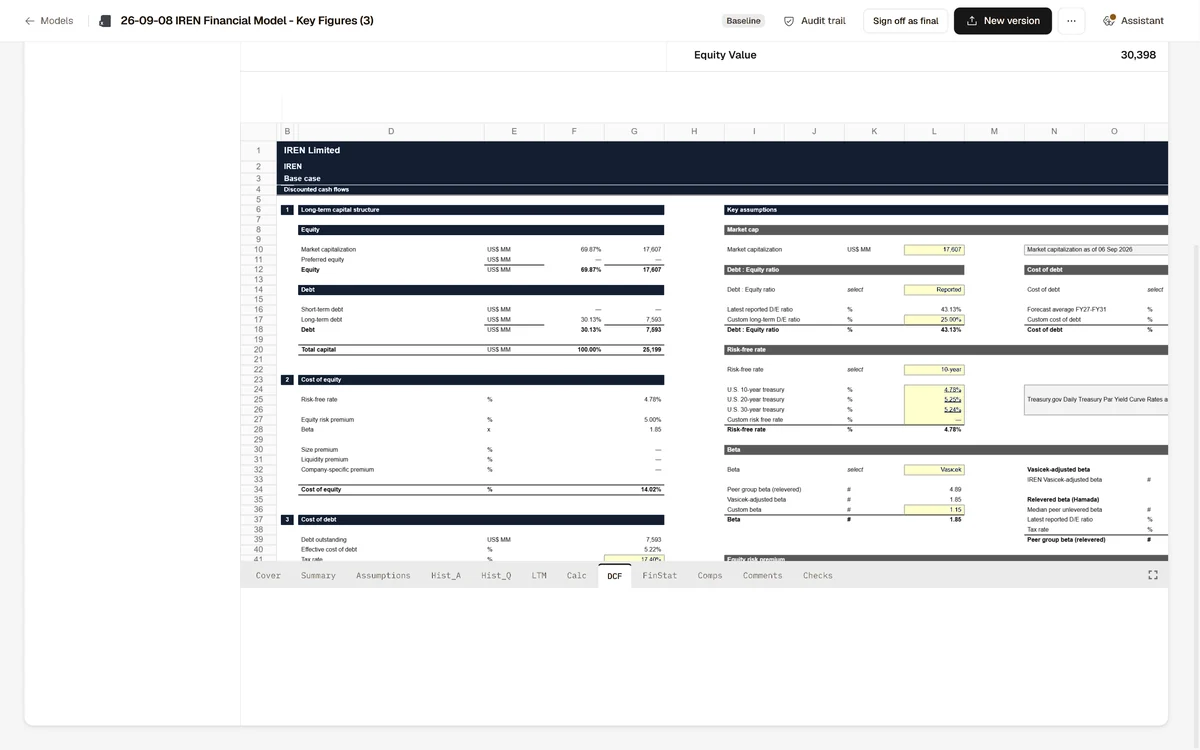
01 After the print
What changed, and what it moved.
Each update opens on the estimates that changed.
Each one is traced to the outputs you publish, down to the target price.
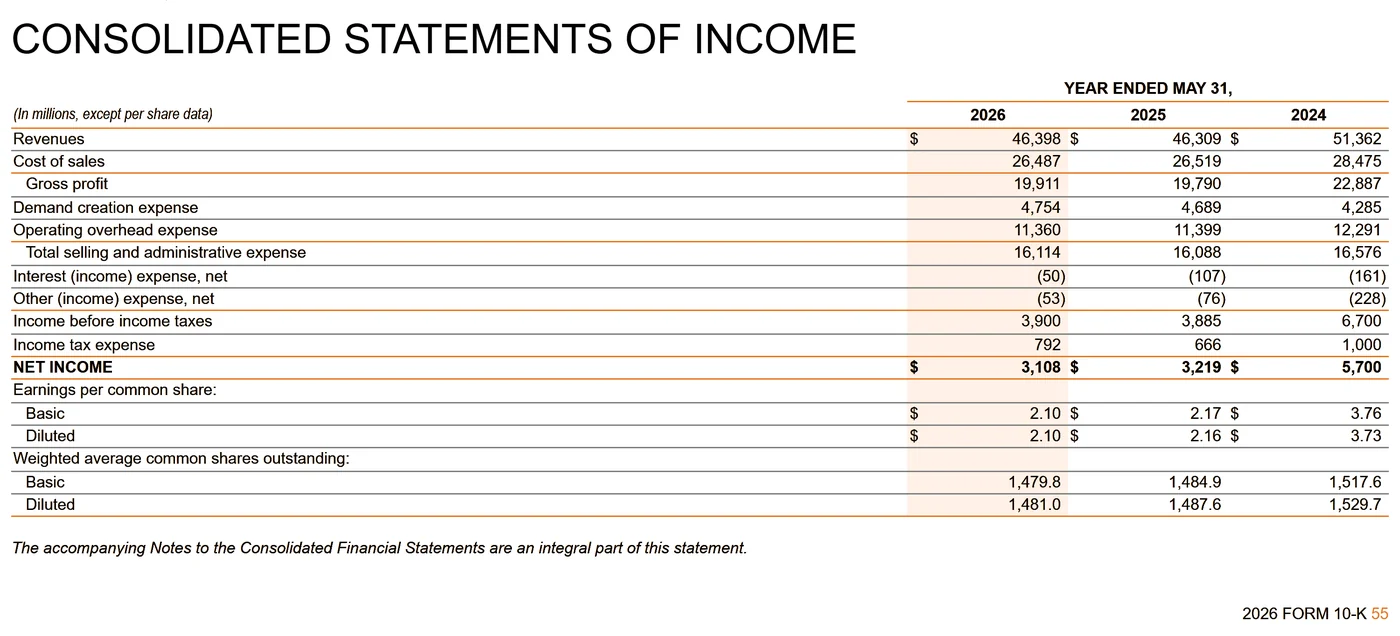
02 Reported figures against the filing
Upload the 10-K or the 10-Q and each reported figure links to its page.
A reported figure that does not match the filing page it came from is flagged before the note goes out.
Filings go into the data room as PDF or HTML, like every other document.
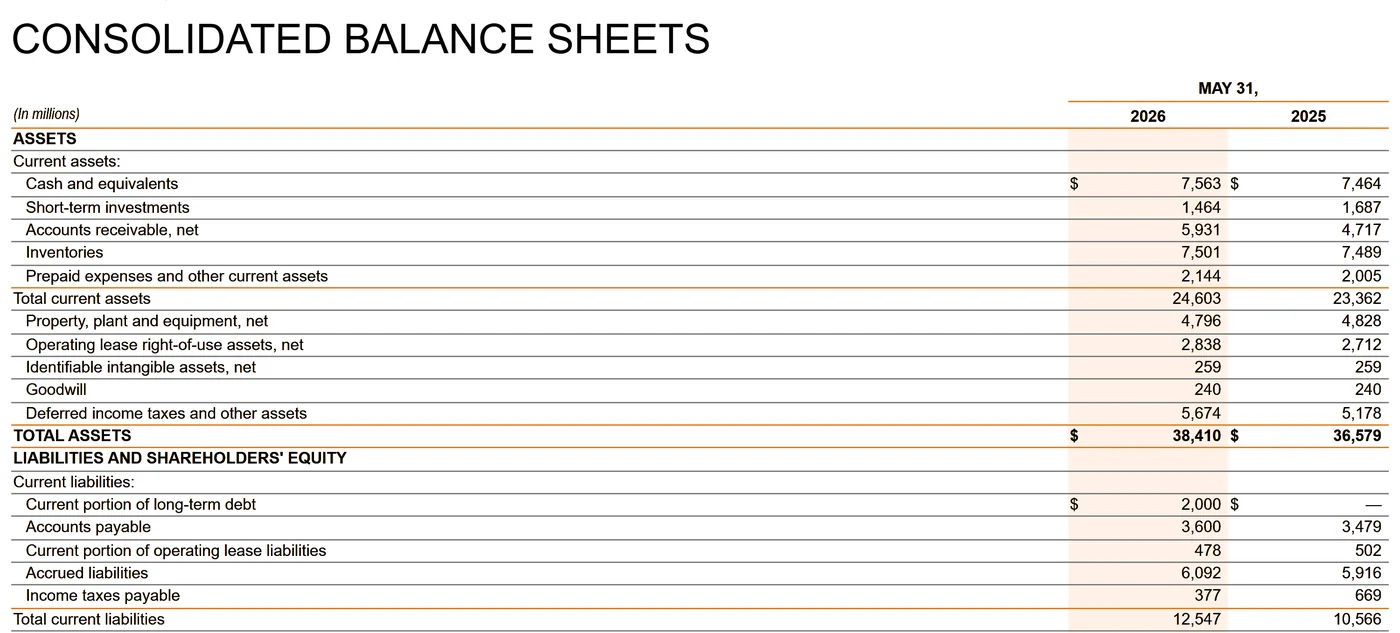
03 Why did the estimate move?
Ask the model's history.
The Assistant answers from every saved version of the model and the filings in the room.
Each figure in the answer opens at the cell or page it came from.
See it on a model like yours.
A thirty-minute walkthrough with the founding team.