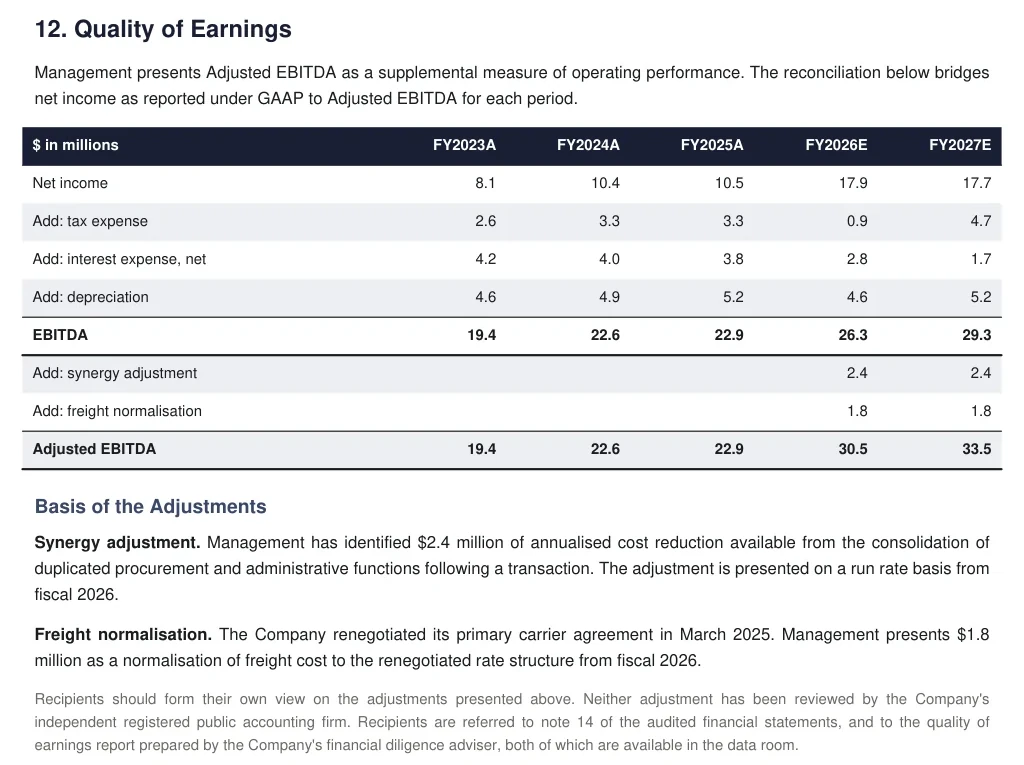
A page of a PDF.
Located as p. 29. In a PDF table, down to the cell's position on the page.
Platform
An add-in where the work happens, a data room that reads every page, and a record of every version, held to the access rules of the deal.
01 Excel add-in
A task pane in Excel and PowerPoint. Verify the workbook, save the version with its reason, and see what changed, without leaving the file.
Install it from the Add-ins button in Excel, listed on Microsoft AppSource for Excel and PowerPoint since July 2026. Where a firm's IT blocks the Office Store, upload a new version in the web app or take it from a connected drive, and review it there.
02 Document ingestion
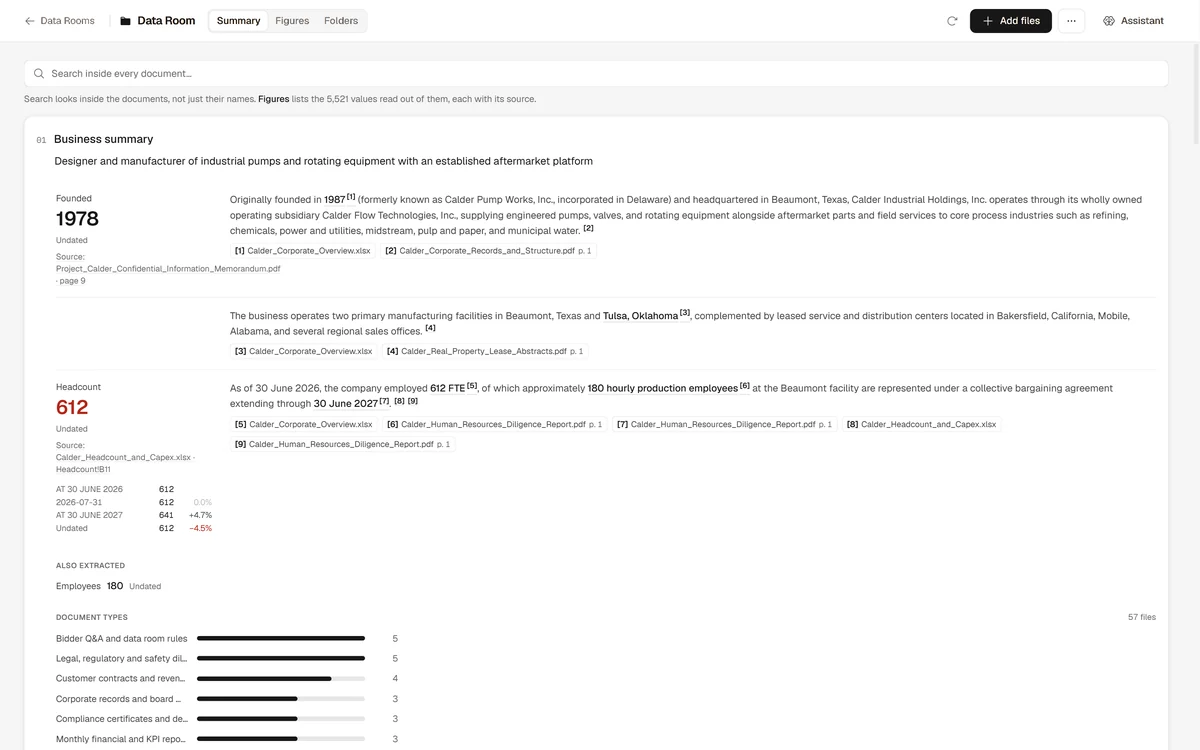
Connect it or upload it, and every page is read, indexed and searchable inside the deal.
The CIM, the financial statements, the diligence reports and the models all sit in one room. Search reaches inside the documents, not just their names.
03 Figure extraction
Figures are extracted from each document with their location, so any number can be opened at its source.
Located as p. 29. In a PDF table, down to the cell's position on the page.
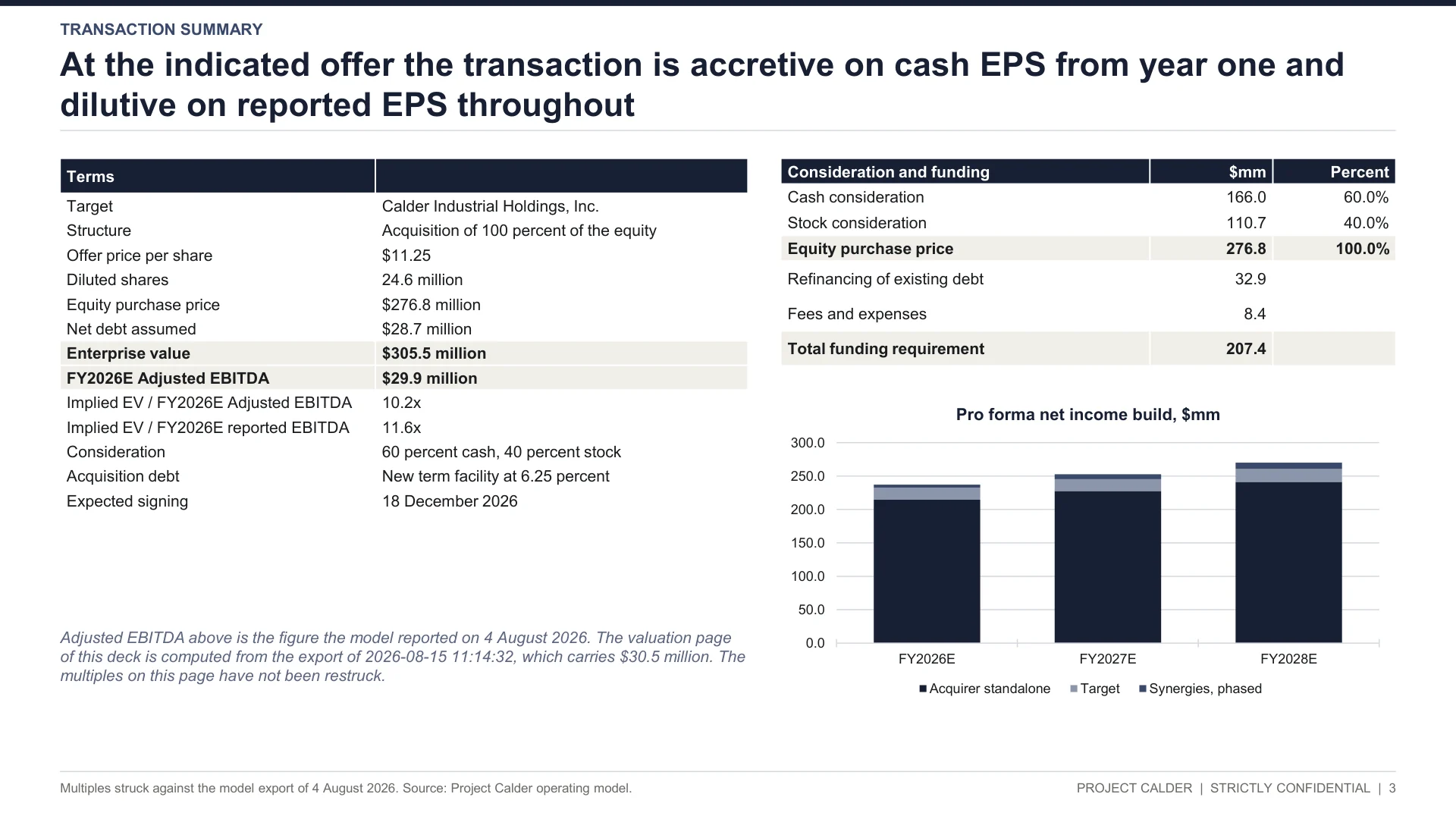
Located as slide 3.
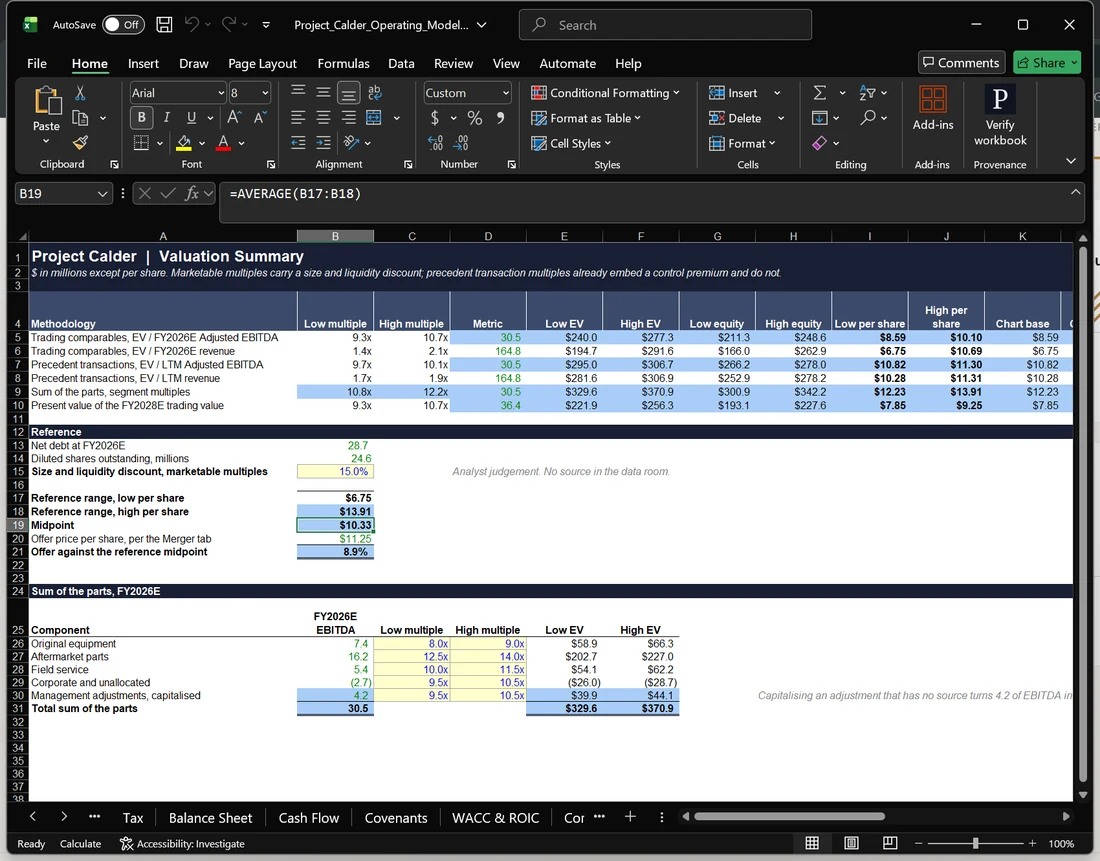
Located as Valuation!B19.
That location is what the source link and the Assistant point to.
04 Model history
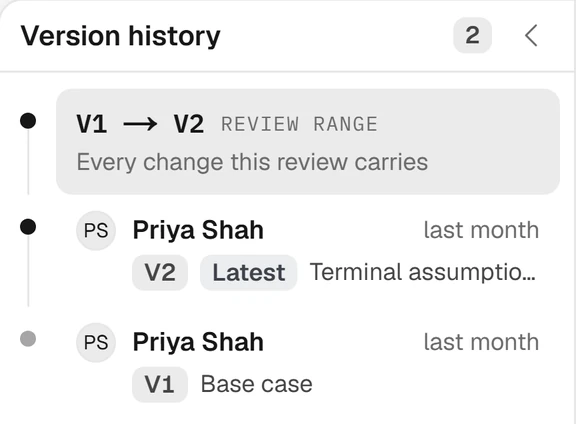
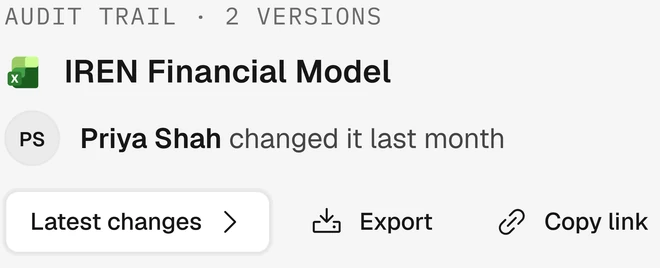
Organized by deal, then model, then version, each with its author, its time and its reason.
Compare any two versions, or any two Excel, PowerPoint or PDF files without setting up a deal: what changed between the file you sent and the file that came back.
05 Data connectors
SharePoint, OneDrive, Box, Dropbox and Google Drive, plus file and folder upload. Nothing to migrate.
Point Provenance at the folders where the models and deal documents already sit. Excel and PowerPoint connect through the add-in.
06 API
An MCP connector lets an approved assistant read your deals, workbooks and data room, and save a new version of a workbook, under the same permissions as the person using it.
What it can do
How access works
Org admins can also send Provenance events to their own systems through outbound webhooks.
07 Security and access
Being in the firm is not the same as being on the deal.
Read the security overviewGranted per deal and enforced on every request, with database row-level security behind it.
Microsoft or Google single sign-on, with your firm's MFA enforced.
Admin, Analyst and read-only Viewer on each deal. Any grant can be revoked at any time.
A thirty-minute walkthrough on a model like yours, with the founding team.